

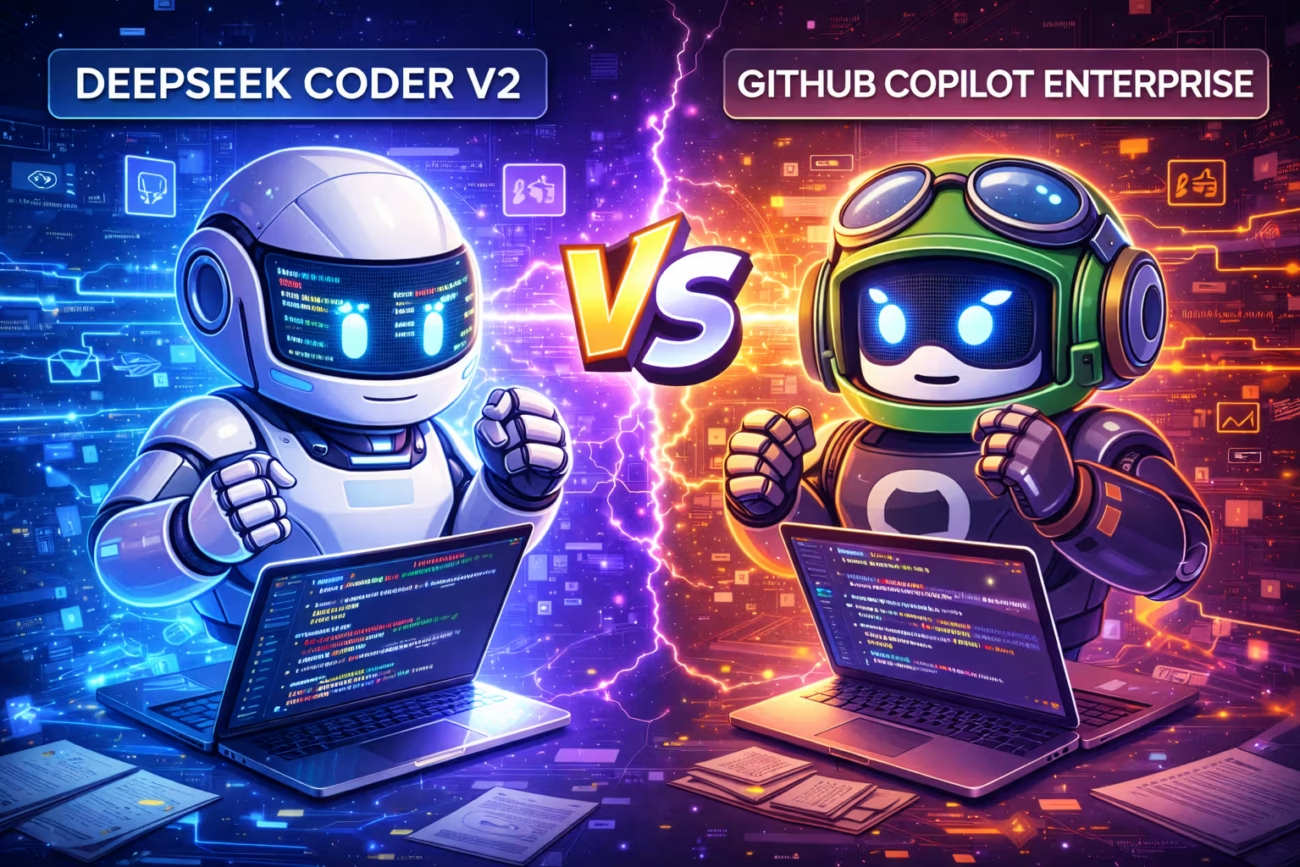
By a Principal Software Architect
My CFO stopped by my desk last week with a printed spreadsheet. He pointed to a line item that was growing at 20% month-over-month.
“Do we really need to pay $39 a month for every junior developer to have a robot buddy?” he asked. “Can’t they just use the free one?”
Usually, I dismiss these questions. In enterprise software, “free” usually means “unsecure,” “slow,” or “bad.” You pay for GitHub Copilot Enterprise because it’s the standard.1 It has the SOC2 compliance, the SSO integration, and the warm fuzzy feeling of being in the Microsoft ecosystem.
But this time, I hesitated.
Because for the last month, the senior engineers on my team—the ones who actually maintain the core infrastructure—have been quietly canceling their Copilot subscriptions. They’ve been installing a local model called DeepSeek Coder V2.
It’s an open-weight model from China.2 It’s free. It runs on our own servers (or a decent MacBook).3 And according to my lead backend dev, “It doesn’t argue with me. It just kills the code.”
So, we decided to run a formal bake-off.
We took two identical squads.
- Squad A (The Suits): Armed with GitHub Copilot Enterprise (GPT-4o backend).4
- Squad B (The Pirates): Armed with DeepSeek Coder V2 (Running locally via Ollama/vLLM).
We ran them through a gauntlet of tasks, ranging from “Write a regex” to “Refactor this 10-year-old God Class.”
The results were not just surprising; they were unsettling. The free model isn’t just catching up. In the hardest tasks, it is winning.
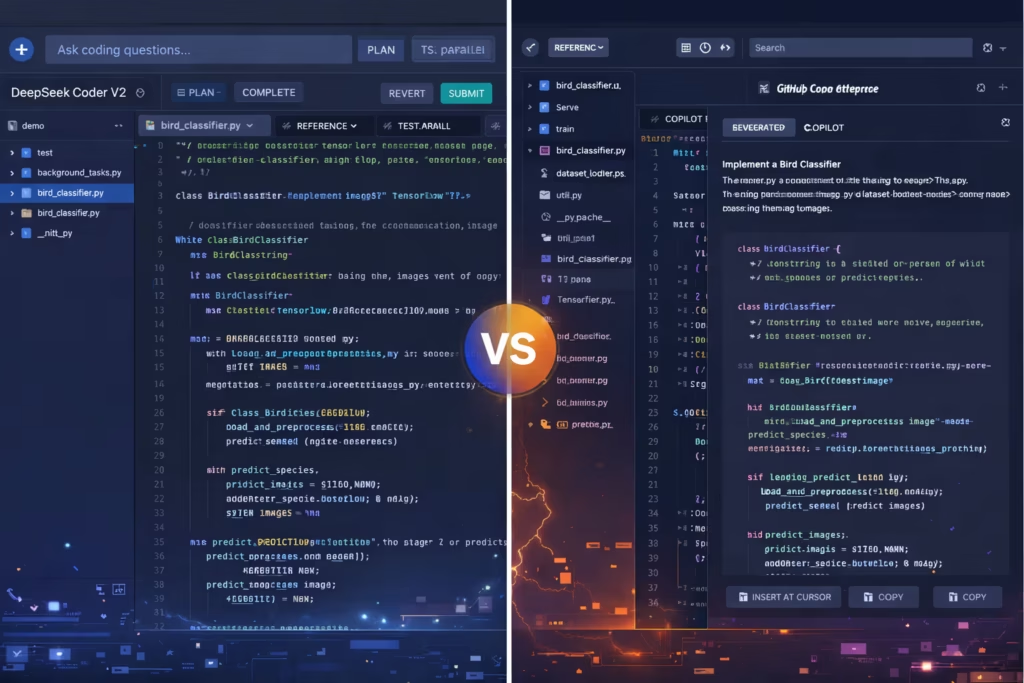
Here is the breakdown of the “Coder Showdown.”
1. The Competitors: The Butler vs. The Butcher
To understand the results, you have to understand the personalities of these models.
GitHub Copilot Enterprise ($39/user/mo)
Copilot is designed to be a Helpful Assistant. It is polite. It is conservative. It loves to add comments. It loves to explain why it is doing something.
It integrates deeply into the GitHub web interface, offering to summarize Pull Requests and chat about your documentation.5 It is a “Platform Play.” You aren’t just buying a model; you are buying a workflow.
DeepSeek Coder V2 (Free)
DeepSeek is a Mixture-of-Experts (MoE) model with 236 billion parameters (21B active).6 It was trained on a massive diet of raw code and virtually nothing else.
It has no “Chat” fluff. It has no safety filter telling you that “deleting this function might be dangerous.”
It is a tool. It is a butcher knife.
2. Round 1: The “Legacy Refactor” (The Killer Test)
This was the main event.
We pointed both squads at legacy_billing.py—a 2,500-line Python file written by a developer who left the company in 2019. It was full of dead logic, nested if statements 8 levels deep, and variable names like temp_data_final_v2.
The Prompt: “Refactor the process_invoice function. Remove unused logic, type-hint everything, and convert it to use Pydantic models.”
GitHub Copilot’s Performance:
Copilot was… cautious.
It kept the structure mostly the same. It added beautiful Docstrings. It added type hints.
But it didn’t delete the dead code. It commented it out. Or it wrapped it in a try/except block “just in case.”
It treated the legacy code like a sacred artifact. It was afraid to break the chesterton’s fence.
- Result: The code worked, but it was still 2,000 lines long. It was lipstick on a pig.
DeepSeek Coder’s Performance:
DeepSeek looked at the code and chose violence.
It realized that 40% of the logic was handling a payment gateway we deprecated in 2021.
It didn’t ask permission. It deleted 800 lines of code.
It rewrote the entire function into three small, composable classes.
When we ran the unit tests, they passed immediately.
The Verdict:
DeepSeek Coder V2 understands Code Logic better than Copilot.7
Copilot understands Code Form.
For a refactor, you don’t want a polite assistant who respects the original author. You want a ruthless editor who cares about the output. DeepSeek was willing to burn the forest to save the village.
3. Round 2: The “Context” War (128k vs. Retrieval)
Legacy code is rarely in one file. It’s spread across 50 files.
GitHub Copilot claims to have “Repository Context.” It uses a RAG (Retrieval Augmented Generation) system to find relevant snippets from your repo and feed them to GPT-4.
In practice, it often misses things.
When Squad A asked: “Where is the User object instantiated?”, Copilot missed a factory method in a utility folder because the semantic search didn’t deem it “relevant” enough to retrieve.
DeepSeek Coder V2 has a native 128k Token Context Window.8
Squad B didn’t rely on retrieval. They just dumped the entire src/ directory into the prompt context.
Because DeepSeek can hold the entire mental model of the module in RAM, it found the connection instantly.
The “Needle in the Haystack” Effect:
We hid a dummy function called _secret_backdoor() in a random file.
- Copilot: Could not find it (because RAG didn’t index it properly).
- DeepSeek: Found it in 2 seconds.
Verdict:
RAG is a crutch. Long Context is the truth. DeepSeek’s massive context window makes it feel like it “knows” the codebase, whereas Copilot feels like it is “searching” the codebase.
4. Round 3: The “Daily Needs” (Scripts & Automation)
We shifted gears to simple, daily tasks. “Write a script to migrate this CSV to Postgres.” “Write a unit test for this function.”
Here, Copilot Enterprise fought back hard.
Why? Integration.
Copilot lives in VS Code. It predicts your next line as you type (Ghost Text). It feels magical. It suggests the variable name before you think of it.
DeepSeek (running in a chat window or a less-integrated plugin) felt clunky.
You have to Copy/Paste. You have to wait for the generation.
DeepSeek is a “Model,” not an “Editor.”
However, for the content of the scripts:
DeepSeek wrote cleaner Bash scripts. It used more modern Python features (like match/case). Copilot tended to default to older, more common patterns found in its vast (but dated) training data.
Verdict:
For Autocomplete (Tab-Tab-Done), Copilot is still King. The latency is lower, and the UX is unbeatable.
For Script Generation (Write me a whole file), DeepSeek wins on quality.
5. The Privacy & “Sovereignty” Argument
This is where my CFO’s ears perked up.
To use Copilot Enterprise, we have to whitelist GitHub to scan our private repositories. We have to trust Microsoft’s promise that they aren’t training on our data.
For our proprietary trading algorithms, that is a hard pill to swallow.
With DeepSeek, we downloaded the weights (DeepSeek-Coder-V2-Instruct.gguf).
We put them on an on-premise NVIDIA H100 server.
We cut the internet connection.
The model works perfectly offline.
Zero data leaves our building.
For our security team, this is the ultimate feature. Model Sovereignty.
We aren’t renting intelligence; we own it.
6. The Cost Analysis: The “Seat Tax”
Let’s look at the math that started this whole experiment.
Team of 50 Developers:
- Copilot Enterprise: $39 * 50 = $1,950 / month. ($23,400 / year).
- DeepSeek Coder: $0 (Software).
- Hardware Cost: We bought two Mac Studios and a used NVIDIA server (~$8,000 one-time).
The ROI is roughly 4 months.
After month 4, the DeepSeek solution is effectively free, barring electricity.
But there is a hidden cost: The “Friction” Tax.
Setting up a local LLM server is annoying. Integrating it into VS Code (using plugins like Continue.dev) takes effort.
Copilot is “One Click.”
Is saving $20k worth the hassle of maintaining your own AI infrastructure?
For a startup? Maybe not.
For an enterprise with 5,000 devs? That’s $2.3 Million a year. Yes, it is absolutely worth it.
7. The “Language Bias” Discovery
One unexpected finding: DeepSeek is better at obscure languages.
Copilot is trained heavily on GitHub public repos. It is a god at JavaScript, Python, and React.
But when we asked it to write Rust or Solidity code, it hallucinated frequently. It made up syntax that didn’t exist.
DeepSeek Coder V2 seems to have a more balanced diet. It wrote flawless Rust code. It handled an ancient COBOL refactor request (as a joke) surprisingly well.
Because DeepSeek is trained on a “Mixture of Experts” architecture, it seems to have dedicated “Experts” for niche languages that don’t get drowned out by the noise of a billion JavaScript files.9
Conclusion: The “Hybrid” Future
So, did we cancel Copilot?
Partially.
We adopted a Hybrid Strategy, which I believe will become the industry standard in 2026.
- For Junior Devs & Frontend: We kept Copilot. The autocomplete, the integration, and the “Helpful Assistant” vibe are perfect for keeping them in the flow. The $39 is worth the productivity boost for daily boilerplate.
- For Senior Architects & Backend Core: We switched to DeepSeek Coder V2. When they are doing deep architectural work, refactoring legacy systems, or working on sensitive IP, they use the local model.
We realized that Copilot is a Typewriter Upgrade. It makes you type faster.
DeepSeek is a Reasoning Engine.10 It makes you think clearer.
If you are just writing React components, stay with Microsoft.
But if you are staring at a 5,000-line spaghetti-code monster and praying for a miracle?
Download the Chinese model. Unplug the internet. And let the butcher go to work.